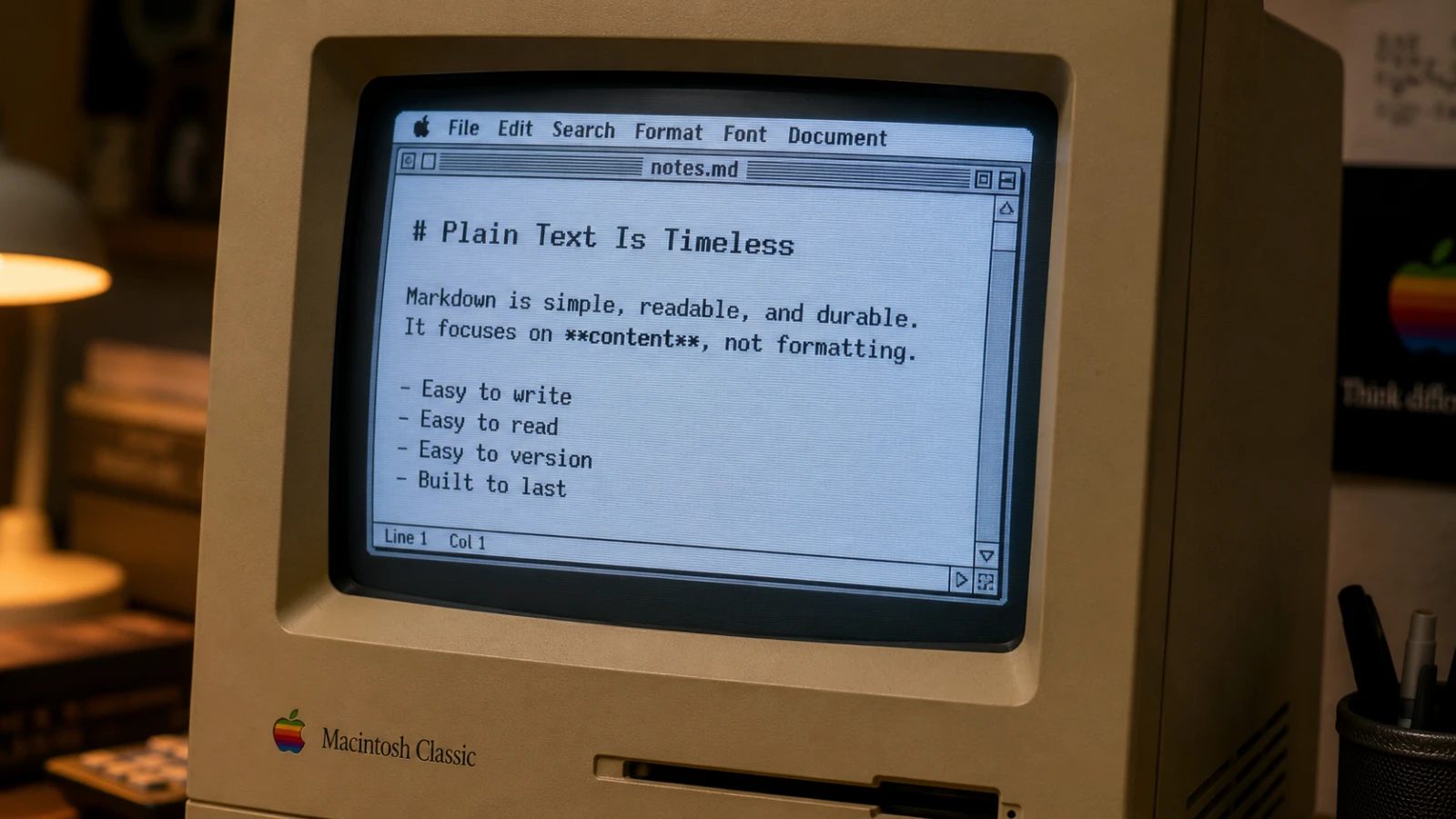
Why Use a Markdown Editor? A Plain-English Guide
A Markdown editor lets you write in plain text with simple symbols for formatting, so your files stay readable, portable, and yours for decades.
- A Markdown editor is a writing app that turns simple symbols like
#and*into headings and bold text. - Your files stay plain text, so any computer in 20 years can still open them.
- Writing is faster because you never reach for the mouse to format.
- It works offline, without an account, and your files belong to you — not a cloud company.
What is a Markdown editor, and why use one?
A Markdown editor is a writing app that uses plain text with a few small symbols for formatting. You type # Title to make a heading. You type **bold** to make text bold. The editor shows you the result, but the file on disk stays as plain text.
This sounds small. It is not.
Most writing tools today save your work in their own private format. A Word file only opens well in Word. A Notion page lives inside Notion. If the company shuts down, or changes its plan, or loses your file, your writing goes with it. Markdown files are different. They are just text. Any device, any year, any app — they will open.
That is the core reason to use a Markdown editor: your writing outlives the tool you wrote it in.
The four reasons people switch
People move to a Markdown editor for four practical reasons. None of them are about features.
1. Speed. You never stop typing. Bold is two stars. A link is square brackets. A heading is one hash. Your hands stay on the keyboard, and your thoughts keep flowing. In a normal word processor, you reach for the mouse twenty times an hour. With Markdown, you do not.
2. Portability. A .md file is the same on a Mac, a PC, a Linux server, an iPhone, or a Kindle. You can email it. You can put it in Git. You can read it in any text editor on Earth. No conversion. No "please upgrade to view this file."
3. Future-proof. Plain text from 1985 still opens today. Plain text from today will open in 2055. Proprietary formats break with every update. If you write something you want to keep — a journal, a book, research notes, your business records — plain text is the only honest choice.
4. Privacy. A good Markdown editor stores files on your disk, not on a server. No sync, no account, no telemetry. What you write stays between you and your hard drive. For many writers this is not a nice-to-have. It is the whole point.
What you can do in Markdown
Markdown is small on purpose. You can learn the full syntax in 10 minutes. Here is what it covers:
| You type | You get |
|---|---|
# Heading | A heading |
**bold** | bold |
*italic* | italic |
[link text](https://example.com) | A clickable link |
- item | A bullet list |
1. item | A numbered list |
`code` | inline code |
> quote | A block quote |
 | An embedded image |
That is most of it. The rest — tables, code blocks, footnotes — uses the same idea: a few symbols, no menus.
Some Markdown editors go further. They render math with LaTeX. They draw diagrams from text. They preview your writing in real time, side by side with the source. But the file you save is still plain text. That is the contract.
How a Markdown editor differs from a text editor
A plain text editor like TextEdit or Notepad shows the raw symbols. You type **bold** and you see **bold**. That works, but it is dry.
A Markdown editor adds three things on top:
- Syntax highlighting in the source — headings look bigger, links look like links, code looks like code, even while you type.
- A live preview — a second pane that shows the finished article as your reader will see it.
- Export — one click turns your
.mdfile into a PDF, an HTML page, or rich text for an email.
You get the speed and safety of plain text, plus the visual feedback of a normal word processor. The best of both, with none of the lock-in.
Frequently asked questions
Is a Markdown editor only for developers?
No. Developers were the first big audience because they already worked in plain text, but writers, journalists, students, and researchers now make up most users. Markdown was designed in 2004 by John Gruber, a writer, exactly so non-programmers could format text without HTML. If you can type an email, you can write Markdown.
Why use a Markdown editor instead of Word or Google Docs?
You use one when you care about owning your files, writing fast without menus, or keeping your work outside the cloud. Word and Google Docs are great for collaborative documents with complex layouts. A Markdown editor is better for personal writing, blog posts, notes, documentation, and anything you want to keep forever.
Does a Markdown editor work offline?
Yes — most of them do. Markdown files live on your local disk as plain text, so a good Markdown editor needs no internet, no account, and no sync service. This is one of the main reasons writers choose Markdown in the first place. You can write on a plane, in a cafe with no Wi-Fi, or on a desert island.
What is the best Markdown editor for Mac?
The best Markdown editor for Mac depends on what you value. If you want a free, offline, privacy-first option that opens plain .md files without an account, Farium fits that brief. Other strong choices include Bear, iA Writer, and Obsidian — each with a different focus on notes, design, or knowledge graphs.
What this means for you
If you write more than a few times a week — emails, notes, posts, drafts, anything — a Markdown editor will save you time and protect your work. The format is simple, the files are yours, and the habit pays off for years.
Farium is one option built for this exact reason: free, offline, plain .md files, no account. Try it, or try another one. The important step is leaving the proprietary format behind.